
The New Search Landscape
Google’s search results page isn’t what it used to be. Zero‑click answers, AI‑generated overviews and the local Map Pack now compete for attention. Winning means appearing across these surfaces—organic results, the Map Pack, People Also Ask, and AI overviews. This comprehensive 2026 guide shows you how to get there without paying for ads.
Why ranking matters
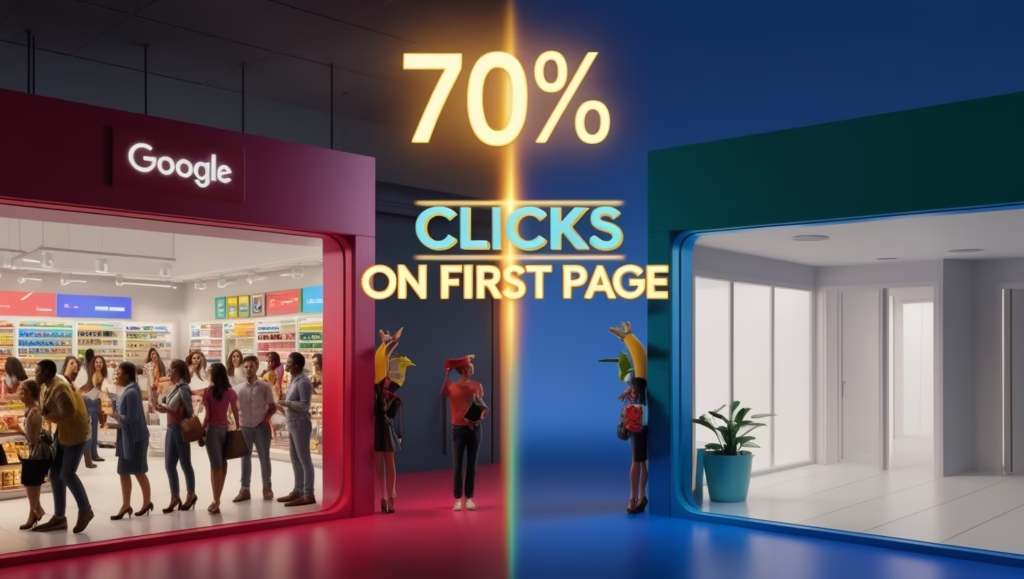
- Most people never look past page 1—70 % of searchers click results on the first page.
- 70 % of consumer journeys now involve a Google touchpoint, whether through Search, YouTube or Maps.
- Local intent is skyrocketing: Think with Google reported growth of more than 200 % in car‑dealer “near me” searches and over 600 % growth in dress‑related “near me” searches.
- In 2023, 98 % of consumers used the internet to find a local business and 87 % used Google.
- Yet BrightLocal’s study found the typical Google Business Profile averages only 1 260 views and 59 actions per month—proof that most businesses aren’t optimising their free listing.
Ready to capture this opportunity? Here’s how.
Step 1: Understand Search Intent & Your Business Type
Search intent is the why behind every query. Google interprets whether a search is informational, commercial, transactional or local. Before you optimise anything, identify your business type and the intents you must serve:
- Local brick‑and‑mortar businesses live or die by the Map Pack. If someone searches “dentist near me,” only the top three businesses with map pins get most clicks.
- Service‑area businesses (plumbers, movers) need both Map Pack visibility and strong organic listings.
- Multi‑location brands must balance corporate‑level authority with optimised profiles for each branch.
- Online‑only businesses compete purely in organic results.
Map your keywords to each intent: informational (“how to fix a leaky faucet”), commercial (“best plumber Nairobi”), transactional (“book pest control Nairobi”), and local (“plumber near me”). Align your content and optimisation strategy accordingly.
Step 2: Claim and Optimise Your Google Business Profile
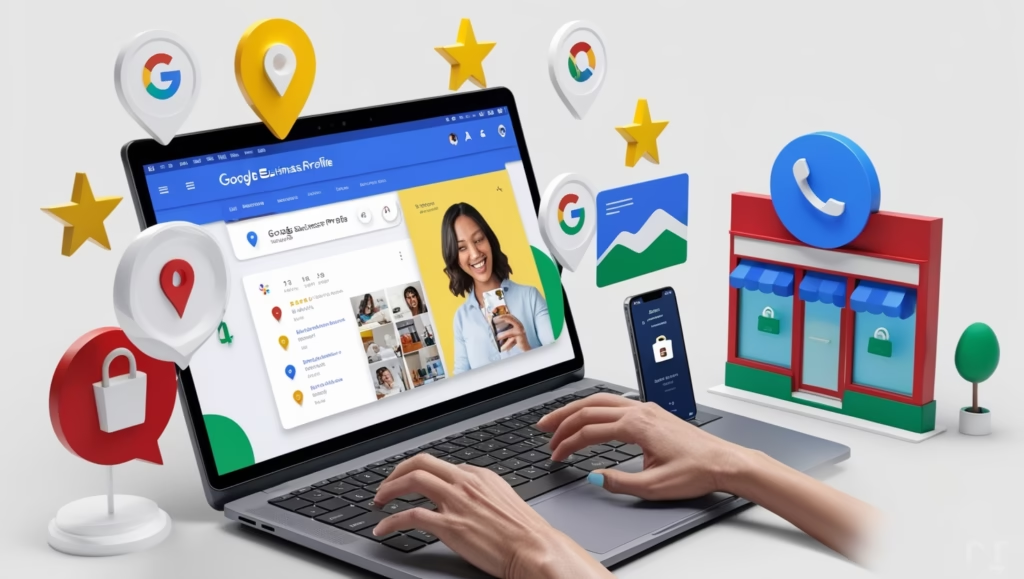
Your Google Business Profile (GBP) is your digital storefront. It appears in both Google Search and Maps, and it’s free. Here’s how to set it up and turn it into a ranking engine:
2.1 Set up and verify
- Go to Google Business Profile.
- Click “Manage now” and follow the steps to claim your business. Provide your name, category and location.
- Verify your listing via postcard, phone or email.
2.2 Optimise for relevance, distance & prominence
Google ranks Map Pack results based on three factors:
- Relevance: how well your business matches the search term.
- Use your main keyword naturally in the business name when appropriate (e.g., “Zanako Pharmacy – Nairobi Supplements”).
- Write a keyword‑rich but human business description. Mention your services and your city.
- Distance: how close you are to the searcher.
- Ensure your address is accurate. For service‑area businesses, define your service areas clearly.
- Prominence: how well‑known and trusted your business is online.
- Encourage customers to leave reviews (more on this later).
- Add high‑quality photos and keep information current.
2.3 Complete every section
WordStream identifies thirteen actions to optimise your GBP. Focus on these essentials first:
- Contact info: Name, address, phone, website, hours. Consistency across all online directories is crucial.
- Categories: Choose one primary category and additional secondary categories that describe your services.
- Attributes & services: Highlight special attributes (e.g., wheelchair accessible, women‑led) and list all services with descriptions.
- Photos & videos: Businesses with photos get 42 % more requests for directions. Upload interior and exterior shots, team pictures and product images. Update them regularly.
- From the business & Q&A: Write a full description telling your story and use the Q&A feature to answer common questions.
- Posts: Publish weekly updates—offers, events, blog posts or behind‑the‑scenes photos. Treat posts like mini‑social‑media updates.
- Messaging & booking: Enable messaging and add booking links so customers can contact or book you directly.
Step 3: Master Google Maps & Map Pack SEO
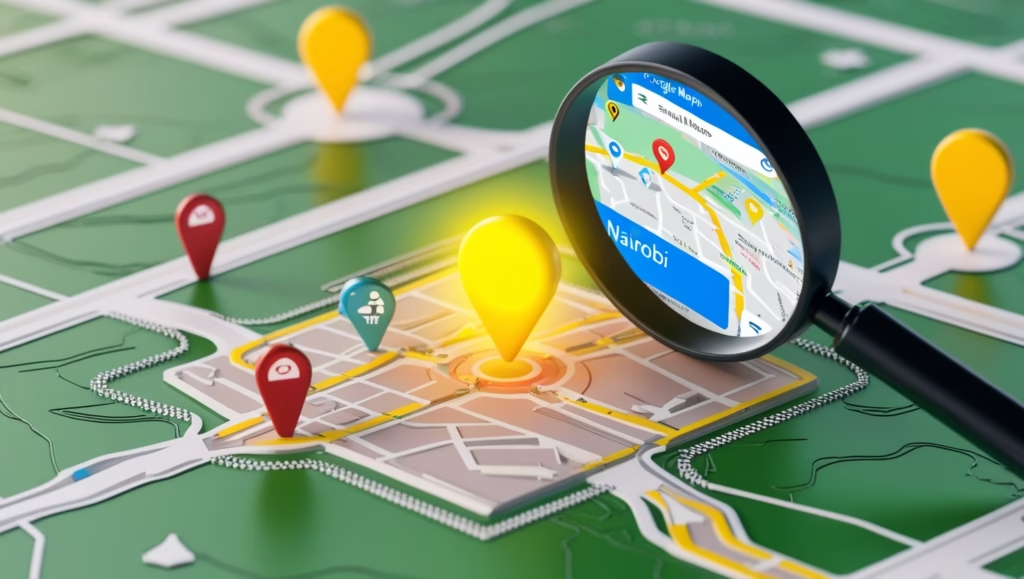
Appearing in the Map Pack (the top three map listings) is often the fastest way to get on top of Google. Here’s how to improve your Map Pack ranking:
- Keep NAP consistent: Your name, address and phone number should match across your website, social media and directories. Inconsistent info confuses Google and hurts ranking.
- Use local keywords & embed a map: Incorporate location‑based terms on your website (e.g., “best digital marketer in Nairobi”) and embed a Google Map on your contact page.
- Build citations: List your business on authoritative directories (Kenya YP, Bing Places, Yelp, etc.) and ensure the NAP details match.
- Encourage reviews: Reviews influence both consumer trust and Google’s algorithm. Ask happy customers to leave feedback via a short WhatsApp link, QR code or follow‑up email. Respond to every review; thank positive reviewers and address negative ones professionally.
- Stay active: Update hours (especially for holidays), add new photos and post promotions. Active profiles signal that your business is open and responsive.
Step 4: Publish Keyword‑Optimised, Intent‑Focused Content
Google rewards useful, relevant content that matches user intent. Even a few strategic blog posts can significantly boost your authority. Follow these guidelines:
- Create a content cluster: Write multiple interlinked articles around local SEO topics. Ideas include: “Top 10 digital marketing agencies in Nairobi,” “How to respond to Google reviews,” and “SEO vs. Google Ads for small businesses.” Link them back to this pillar guide.
- Optimise for keywords: Include your main keyword in the title, headings and URL. Use related keywords naturally in the body and incorporate your location throughout.
- Aim for depth: Write at least 1 000 – 2 000 words. Cover search intent in detail; discuss informational, commercial and transactional queries.
- Add internal and external links: Link to other pages on your site (services, contact, portfolio) and cite authoritative sources like BrightLocal, Think with Google and Statista when sharing statistics or research.
- Use multimedia: Include images, infographics and videos. Make sure they are compressed and have descriptive alt text.
- Implement How‑To and FAQ schema: Structure your article with clear questions and answers. Use schema markup to increase chances of appearing in rich snippets.
Step 5: Build and Manage Reviews & Reputation
Reviews are ranking gold. BrightLocal’s Local Consumer Review Survey found that 83 % of consumers use Google to find business reviews. Here’s how to harness them:
- Ask consistently: Send a personalised message after a purchase or service with a direct link to your review form. Include a QR code on receipts or at your shop.
- Respond to all reviews: Thank customers for positive feedback. For negative reviews, apologise sincerely, explain how you’ll fix the issue and invite further discussion offline.
- Use keywords in replies: Mention your services and location when responding (“Thank you for trusting our SEO services in Nairobi!”). This reinforces relevance.
- Highlight reviews in marketing: Feature five‑star reviews on your website, social media and promotional materials.
Step 6: Build Local Backlinks & Citations
Backlinks from reputable websites signal authority. Local citations tell Google you’re a legitimate business. To build them:
- Directory listings: Add your business to free local directories (Kenya YP, Hotfrog, Bing Places) and industry‑specific portals.
- Guest posts & collaborations: Write guest articles for local blogs or newspapers. Collaborate with complementary businesses and include reciprocal links.
- Press releases & news coverage: Send press releases about awards, events or community involvement to local media. Even a single article can earn high‑authority backlinks.
- Partnerships: Partner with community organisations or sponsor local events. The resulting mentions and backlinks build trust and local relevance.
Step 7: Monitor Your Ranking & Iterate
You can’t improve what you don’t measure. Use tools such as BrightLocal’s Local Search Grid, GMB Everywhere, Google Search Console and Google Analytics to track impressions, clicks and ranking positions. Search your keywords in Incognito mode to get unbiased results. Note which keywords you rank for and which need improvement.
Regularly audit your profile and website to ensure information is accurate, pages are indexed and the site loads quickly. Set a calendar reminder to review your GBP monthly and update your content at least quarterly.
Bonus: Quick Wins to Appear Fast
While sustainable SEO takes time, you can sometimes appear on page 1 quickly by targeting low‑competition, long‑tail keywords. Here’s a 24‑hour sprint:
- Identify a hyper‑specific phrase such as “best emergency plumber in Kileleshwa Nairobi.” Use tools like Ahrefs or Google’s Keyword Planner to ensure low competition.
- Create and optimize a GBP using that exact phrase in your business name (if natural) and description.
- Publish a blog post or landing page targeting the phrase. Use How‑To and FAQ schema.
- Share the post on social media, WhatsApp groups and local forums. Ask a few friends or customers to search the phrase, click your result and stay for at least one minute. This tells Google the result is relevant.
- If you have budget, run a small Google Ads campaign to the same keyword for additional traffic.
Frequently Asked Questions
How do I get my business on top of Google search for free?
Optimise your Google Business Profile by completing every section, ensuring consistent NAP, uploading photos, collecting and responding to reviews, posting weekly and listing your business on directories. Publish localised content on your website and build high‑quality backlinks. Staying active, accurate and trusted improves ranking.
How long does it take to rank?
Local rankings can improve within weeks if your profile is well‑optimised and you’re in a low‑competition niche. For competitive categories, expect several months of consistent optimisation and content creation before major gains. Quick wins are possible with long‑tail keywords and immediate profile updates.
Can I rank without a physical address?
Yes, service‑area businesses can rank by specifying the areas they serve and hiding their address. However, listing a physical address whenever possible helps Map Pack visibility. Avoid defining yourself solely as a “service area business” unless necessary.
Do I still need a website?
A website strengthens your authority and supports your GBP. Google cross‑references your site for consistent NAP and local keywords. Publishing valuable content and linking back to your profile signals relevance and expertise.
Conclusion
Getting your business on top of Google search is about visibility, relevance and trust. By understanding search intent, optimizing your Google Business Profile, mastering Map Pack SEO, publishing high‑quality content, managing reviews and building local citations, you can outperform larger competitors without spending money on ads. Stay consistent—refresh your profile regularly, create new content and collect reviews. Over time, these free strategies will compound, building the authority and prominence needed to dominate Google’s results in 2026 and beyond.
